Kanban Board & Calendar Views
See Your Entire Shop's Workflow at a Glance
Whiteboards and spreadsheets cannot keep up with a busy marine service center. Shop Track gives your team three powerful ways to visualize and manage work orders -- a drag-and-drop Kanban board organized by status or technician, an interactive calendar with month, week, and day views, and a traditional data table for detailed list management. Every view shares the same smart filtering, so switching between perspectives is instant and your team always sees the same data.
- Drag-and-Drop Kanban Board
-
Visualize your entire marine service pipeline with cards organized into columns by status or technician. Drag and drop work orders between columns to instantly update their status or reassign them to a different technician -- no forms, no page reloads, just fast visual workflow management.
- Interactive Calendar Scheduling
-
Schedule and reschedule marine service jobs with a full-featured calendar powered by FullCalendar. Switch between month, week, and day views, drag work orders to new dates, and pull from an unscheduled jobs sidebar to slot new boat repairs into your team's timeline.
- Multiple View Modes
-
Choose the view that fits how you work. Use the Kanban board for visual pipeline management, the calendar for scheduling, or the data table for traditional list-based filtering and sorting. All three views share the same consistent filters for status, technician, and job type.
Visual Workflow Management for Marine Shops
Drag, Drop, and Schedule With Confidence
Running a marine service center means juggling dozens of active jobs, each at a different stage and assigned to a different technician. Shop Track's visual workflow tools give shop managers and service advisors the real-time oversight they need to keep every boat repair moving forward without bottlenecks.
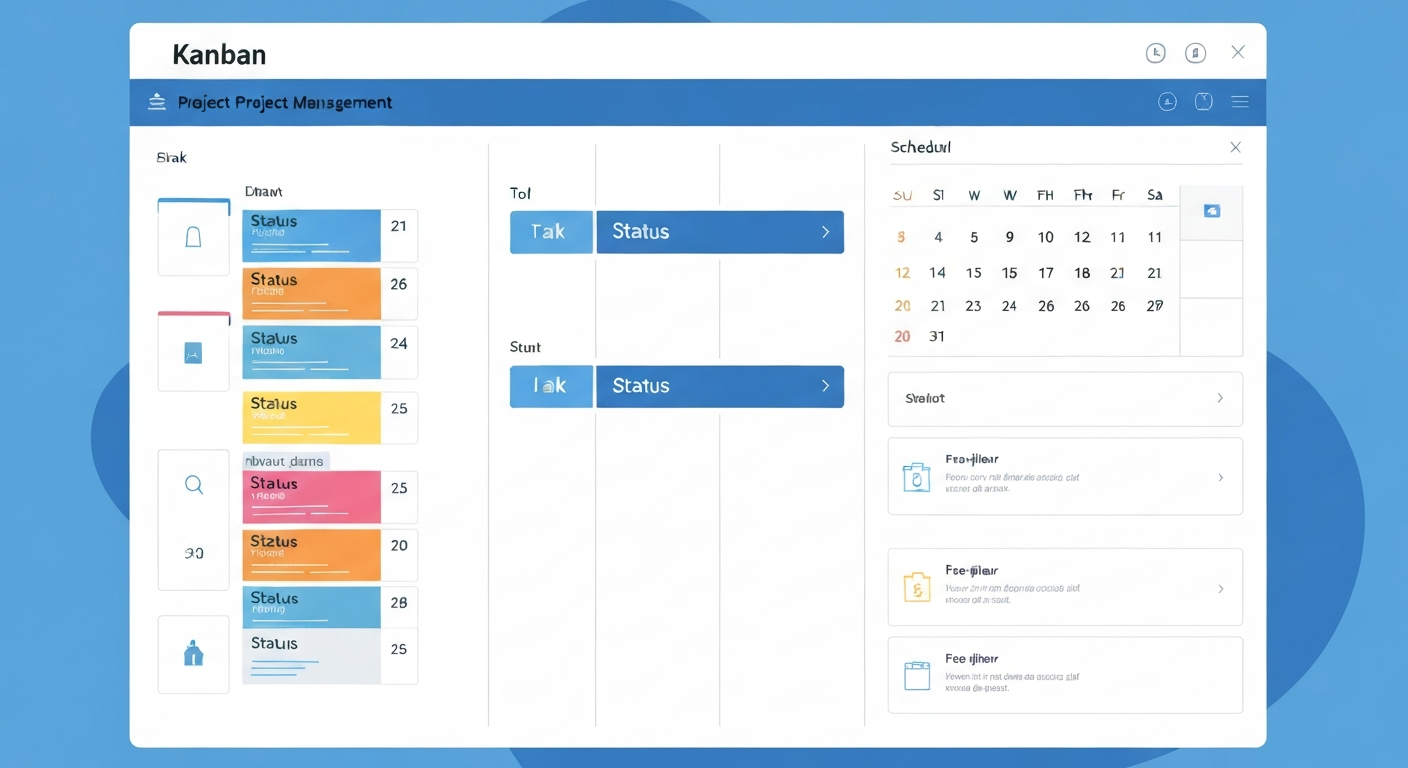
- Status-Based Kanban. Visualize your entire pipeline with cards organized by status columns. Each column represents a stage in your workflow -- from Estimate to In Progress to Completed. Drag and drop to update status instantly, collapse columns you do not need, and sort cards within each column by priority, date, or customer name.
- Technician-Based Kanban. Switch to technician view to see each team member's workload at a glance. Every column represents a technician, and each card is a work order assigned to them. Reassign jobs between technicians with a simple drag and drop to balance workloads and respond to scheduling changes in real time.
- Calendar Scheduling. Month, week, and day views powered by FullCalendar give your team a time-based perspective on every scheduled job. Drag work orders to reschedule them, see unscheduled jobs in a dedicated sidebar, and click any event to view details, change status, or reassign the technician without leaving the calendar.
- Smart Filtering & Persistence. Filter by status, technician, or job type across every view. Filters persist in the URL, so you can bookmark a filtered Kanban board or calendar and return to the exact same view later. Share filtered URLs with team members so everyone sees the same slice of data instantly.
- Inline Quick Actions. Click any card or calendar event to open a detail popup with key work order information -- customer name, vessel, assigned technician, and current status. Change status, reassign technicians, or navigate directly to the full work order record without losing your place in the board or calendar view.
Whether your shop manages ten boats or a hundred, Shop Track's Kanban board and calendar views replace the guesswork of whiteboards and sticky notes with a live, interactive picture of your operation. Service advisors see the big picture, technicians know what is next, and shop managers can spot bottlenecks before they slow the whole yard down.
Ready to Visualize Your Shop's Workflow?
Manage Every Job With Drag-and-Drop Simplicity
Stop relying on whiteboards and spreadsheets to track your marine service pipeline. Shop Track's Kanban board and calendar views give your boatyard or marina the visual workflow tools you need to keep every job on track. Start your free trial and see how drag-and-drop work order management transforms your shop.